See your novel as a movie before writing the screenplay.
Adapting a novel into film starts with understanding how the story works visually.

SceneFlow helps authors transform chapters into cinematic scenes — experimenting with structure, pacing, and visual storytelling to build an interactive movie blueprint before screenplay development ever starts.
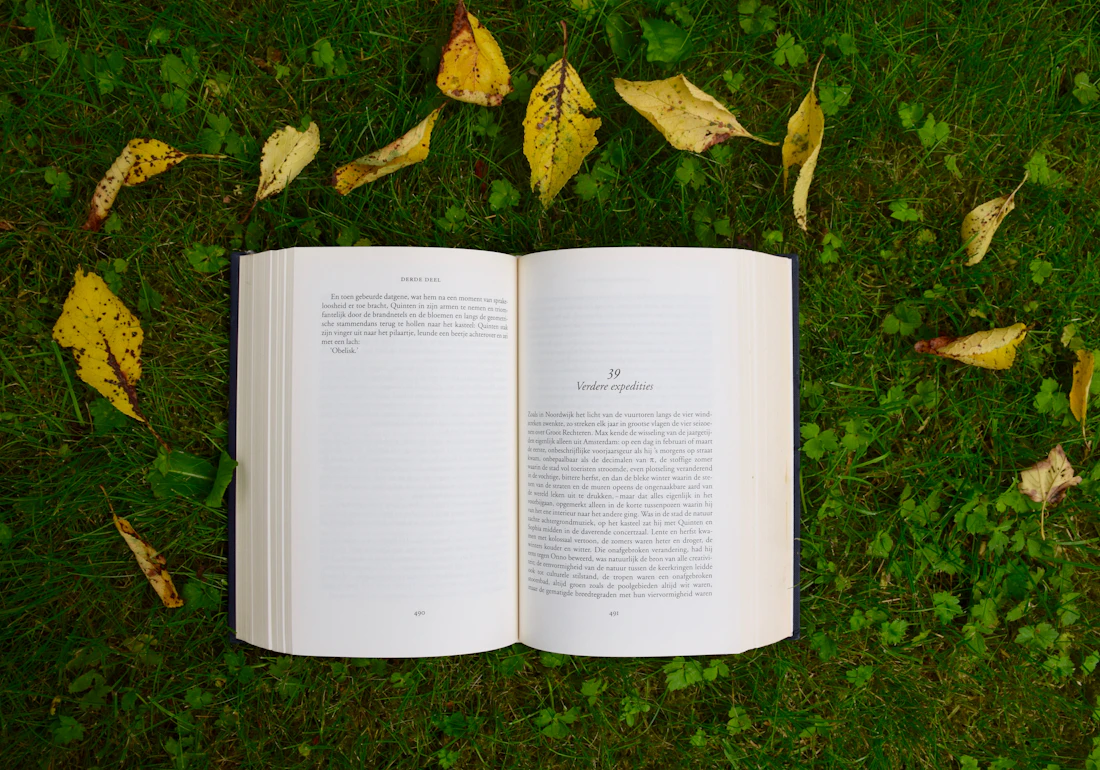
Find the scenes in your chapters
A novel already knows where its scenes are.
SceneFlow helps identify the visual scenes, action beats, dialogue moments, character introductions, and natural act breaks hiding in your prose — making screenplay development much easier once you start writing it.
Before you write the screenplay
Visualize it. Then write it.
Visualize the movie. Find pacing issues. Experiment with structure. Then begin writing the screenplay with the confidence that comes from having already watched it work.

“See your novel as a movie before writing the screenplay.”
Visualize story structure
See the shape of the whole adaptation, not just one chapter at a time.
Identify cinematic scenes
Spot which chapters are already built like scenes.
Improve pacing
Feel where the adaptation drags before a reader has to.
Explore different adaptations
Test more than one way of telling the same story on screen.
Share concepts with producers
Pitch the adaptation as something watchable, not just a synopsis.
Export AI movie prompts
Turn a locked scene into a structured prompt when you're ready.
Features you'll use most
Everything an author needs to adapt a novel.
Chapter-to-scene conversion
Turn a chapter into an editable cinematic scene.
Timeline editing
Sequence and re-sequence scenes to test structure.
Story restructuring
Reorder chapters and beats without touching the manuscript.
Camera planning
Block out how a scene should actually be shot.
AI prompt export
Export a structured prompt once the adaptation is locked.
How SceneFlow works
From chapters to a prompt for the whole adaptation.
You create editable scene mockups from a chapter, arrange them on a cinematic timeline, and precisely control framing, camera movement, pacing, transitions, characters and their voices, and every other creative decision.
Instead of repeatedly rendering expensive AI video, you iterate on a lightweight mockup until the adaptation is finalized — then export a structured prompt for the entire movie, ready to generate with AI.
- 1 Upload a script
- 2 AI converts it into editable scenes in SceneFlow
- 3 Refine
- 4 Export a prompt to generate the full movie with AI
AI-generated feature-length movies are coming soon — SceneFlow is built to be a key part of that future.
Who it's for
Built for anyone turning chapters into scenes.
Adapt your novel into a movie.
See it work as a film before you write a single page of screenplay.
Request access